TikTok Shipping Integration Guide
Integrate your TikTok Shipping account with Helm to automate order imports, synchronise inventory, and streamline fulfilment operations. With OAuth-based authentication, you can securely link your TikTok Shop account directly to Helm without manually entering API credentials.
Last updated 11 months ago

What is TikTok Shop?
TikTok Shop is TikTok’s native e-commerce platform, allowing merchants to sell products directly to TikTok users via in-feed videos, live streams, and product listings. Integrating TikTok Shop with Helm enables automatic order imports, real-time stock synchronisation, and centralised fulfilment management across your sales channels.

Step-by-Step Setup
Step 1: Access the Integration Page
Log in to your Helm account.
Navigate to Settings → Sales Channels.
Click + Add New Channel in the bottom-right corner.
Search for TikTok Shop in the available channels list.
Click Connect / Install to begin the OAuth setup.

Step 2: Authenticate via TikTok OAuth
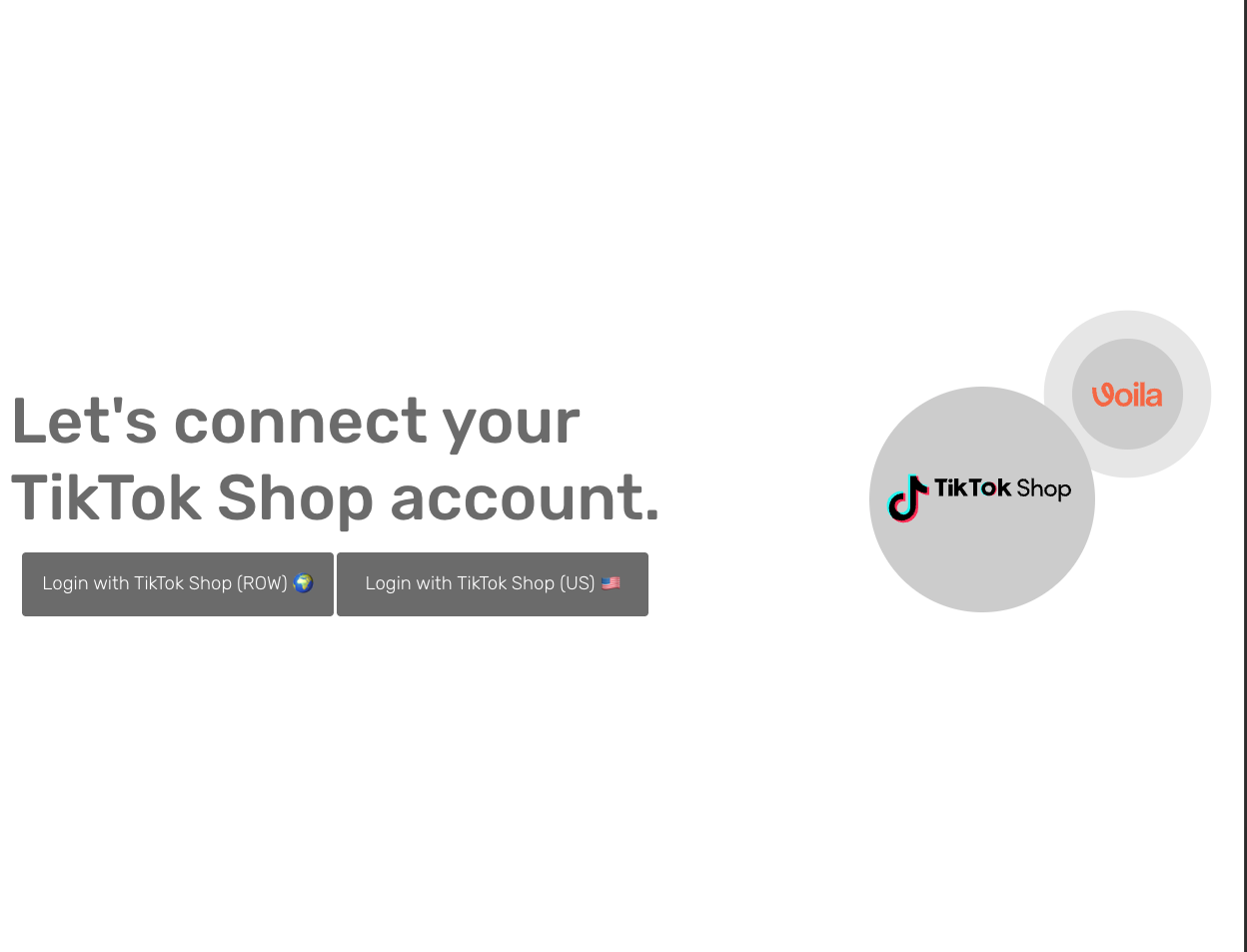
Click the Connect to TikTok Shop button.
You will be redirected to the official TikTok Shop login page.
Log in using the account you wish to integrate with Helm.
Authorise Helm to access your TikTok Shop data.
🔐 OAuth ensures your credentials remain secure - Helm does not store your TikTok username or password.
Once authorised, you will be redirected back to Helm, and the integration will automatically complete.

If you are new to TikTok Shop, register your account using: TikTok Sign Up

Step 3: Configure Your Channel
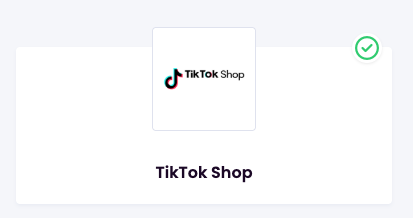
After completing OAuth authentication, configure your TikTok Shop channel in Helm: select the channel in the list to open its settings.
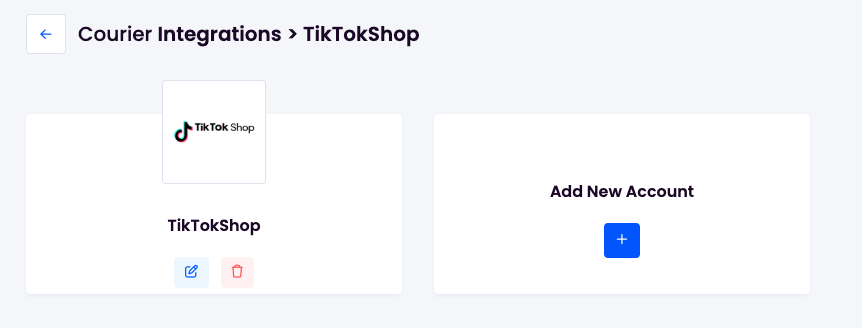
You’ll be taken to the next screen; from there, select whether to edit or delete the channel. Choose Edit.
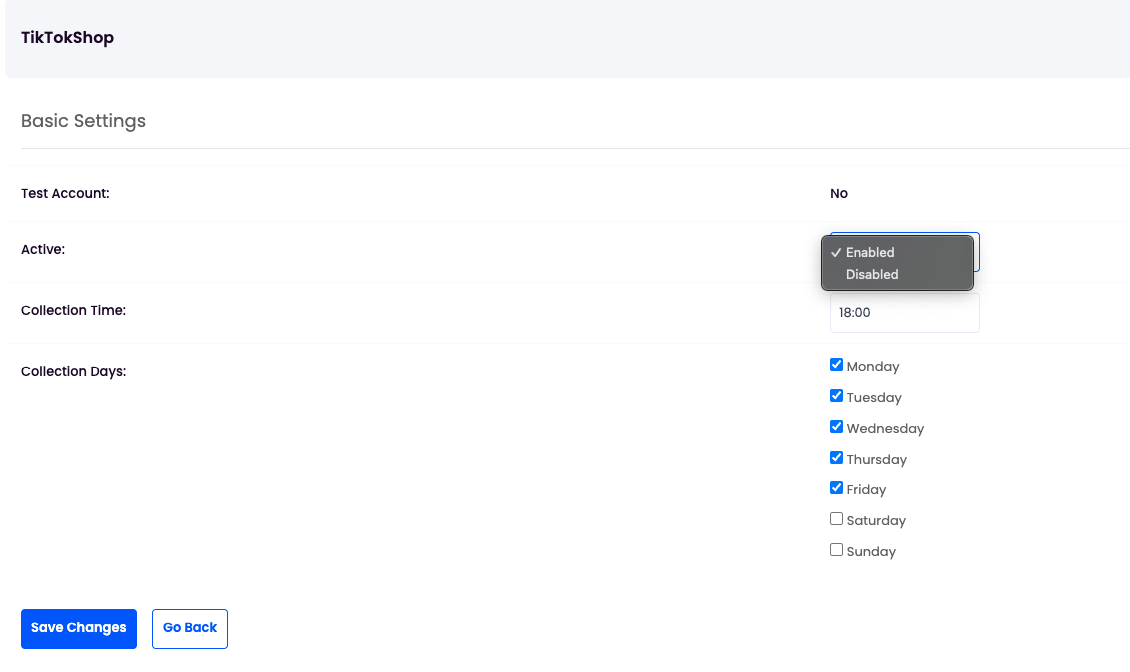
Ensure it is Enabled.
In the top-right tab menu, select Add Services.
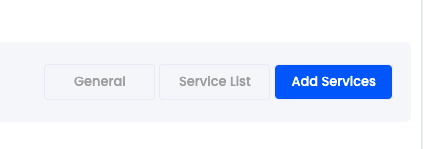
In Preset Service, select TikTok Shipping.


Step 4: Save and Activate
Review your configuration settings.
Click Save Changes to finalise the integration.
A confirmation message will indicate that TikTok Shop is now successfully connected to Helm.

Completion
Your TikTok Shop account is now integrated with Helm. Orders will import automatically, inventory levels will synchronise in real time, and fulfilment updates will be transmitted back to TikTok Shop.
📌 You can return to Settings → Courier Integrations at any time to review, update, or modify this configuration.